Time management at work
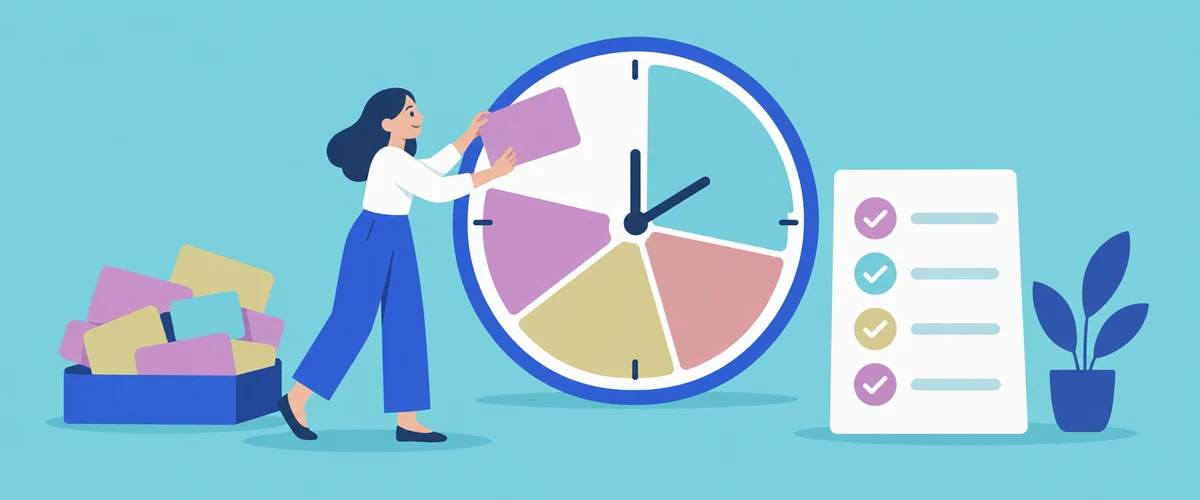
Time management at work comes down to a few decisions you make again and again: what gets your attention first, how you protect time for work that needs concentration, and how you adjust when the day doesn't go to plan. It also means noticing when the amount of work is more than the hours can hold, because no system fixes that on its own.
The practical steps below start with getting your work out of your head and into one place, then cover choosing priorities, estimating how long things take, and handling interruptions. The last sections look at what to do when the workload itself is the problem, and how to show an employer you manage your time well.
What the research says about time management
One useful definition, used in a 2021 meta-analysis published in PLOS ONE, describes time management as a form of decision making that people use to structure, protect and adapt their time as conditions change. That's a helpful way to think about it at work, where priorities shift and other people's requests arrive throughout the day.
The meta-analysis combined 158 studies. It found that time management was moderately related to job performance, and that its link with wellbeing, particularly life satisfaction, was stronger than its link with performance. People who managed their time well also tended to report less distress. Most of the studies measured these things together without testing cause and effect, so the results show an association, not proof that a particular technique will lift your results.
An earlier review of 32 studies in Personnel Review reached a similar view. Time management behaviours were linked with a greater sense of control over time, job satisfaction and lower stress, while the link with performance was unclear. Training improved people's time management skills, but that didn't automatically carry through to better performance. Taken together, the research suggests the main benefit may be a greater sense of control over your work, and that a technique is most likely to help when it changes the decisions you make about your day.
Put everything in one list
It's hard to choose what to do first when your tasks are spread across emails, meeting notes, chat messages and memory. Writing everything down in one place, whether that's a notebook, a task app or a document, lets you see the whole load before deciding what to do with it.
A list also helps with the tasks you can't start yet. In a series of experiments by psychologists EJ Masicampo and Roy Baumeister, unfinished goals kept intruding on people's thoughts while they worked on something unrelated. When participants made a specific plan for when and how they would complete the goal, those effects disappeared. The studies were run in a laboratory, not a workplace, but the idea carries over to work easily enough. Before you finish for the day, you could note the next step for each unfinished task and when you intend to do it, so tomorrow starts with a plan and today's loose ends are less likely to follow you home.
Keep each item specific enough to act on. "Quarterly report" is a project, while "draft the sales section of the quarterly report" is something you can start in the next half hour.
Decide what comes first
Urgent tasks tend to win attention even when they matter less. Researchers Meng Zhu, Yang Yang and Christopher Hsee described this as the mere urgency effect. Across five experiments, people were more likely to choose a task with a lower payoff over one with a better payoff when the lesser task simply seemed urgent, for example because it appeared to have an expiry that wasn't real.
You can counter that pull by asking a couple of questions about each item on your list:
- What happens if this waits until tomorrow? If the answer is "nothing much", it probably isn't as urgent as it feels.
- Who is relying on it? Work that holds up a colleague, a customer or a deadline further down the line usually needs to move up.
- Does it need your best concentration? Schedule this kind of work for the part of the day when you're least likely to be interrupted.
When two people have given you work that can't both be done on time, it's usually better to ask than to guess. You could say to your manager, "I've got the client proposal due Thursday and the budget review you asked for this morning. Which would you like me to finish first?" Your manager may know something about the deadlines that you don't, and the conversation makes the trade-off visible before it becomes a missed deadline.
Estimate time from past tasks
People tend to underestimate how long their own work will take. In studies exploring what they called the planning fallacy, Roger Buehler, Dale Griffin and Michael Ross found that people's predictions of when they'd finish tasks were too optimistic, and that they focused on how the task should go rather than on how similar tasks had gone before. When participants were asked to connect their past experiences to their prediction, the optimistic bias disappeared in that study.
So when you plan a week, look back before you look ahead. If the last three monthly reports each took most of a day, set aside most of a day for the next one, even if you expect this one to be simpler. Leaving some unplanned time in your calendar also gives you room for the work that turns up without warning, which in most jobs is a regular part of the week.
Protect time for focused work
Moving between different kinds of work has a cost. Laboratory research on task switching, summarised by psychologist Stephen Monsell00028-7), shows people respond more slowly and usually make more errors immediately after switching tasks, and preparation reduces that cost without removing it.
Interruptions can cost you in a different way. In a 2008 experiment by Gloria Mark, Daniela Gudith and Ulrich Klocke, 48 participants answered work emails with and without phone or instant message interruptions. The interrupted participants finished in less time with no drop in quality, but reported more stress, frustration, time pressure and effort. Coping with interruptions by speeding up may keep the work on track for a while, but it's tiring to do all day.
A few habits can help, depending on how much control you have over your day:
- Block time in your calendar for work that needs concentration, and treat it like a meeting you've agreed to attend.
- Check email and messages at set times instead of whenever a notification appears, if your role allows it.
- Group similar tasks such as phone calls, approvals or data entry, so you're changing mental gears less often.
- Note where you're up to before you respond to an interruption. A line such as "checking figures in row 40" can make it easier to pick the task up again.
Some jobs are built around interruptions. A nurse on a busy ward, a retail supervisor or a site manager can't set aside two uninterrupted hours whenever they like. In roles like these, time management tends to rely more on clear handover notes, a short written list you return to between demands, and knowing which requests can be passed to someone else. Working in fixed blocks with short breaks, sometimes called the Pomodoro technique, suits some desk-based work, but it's only one option.
When the workload is the problem
Good planning can make a heavy load easier to handle, but it can't make a job that needs sixty hours fit into forty. If you've prioritised carefully and estimated realistically and the work still doesn't fit, the issue may be the amount of work rather than the way you're organising it.
Safe Work Australia lists high job demands as a psychosocial hazard, meaning they can cause psychological and physical harm. It describes this as more than sometimes being a little busy: demands become a hazard when they're severe, prolonged or frequent, and examples include long hours without enough breaks and having too much to do in too little time. Under the model work health and safety laws, a business must eliminate psychosocial risks, or minimise them so far as reasonably practicable.
Raising workload with your manager tends to go better when you bring the detail. Your list, with rough time estimates next to each item, shows the problem more clearly than a general comment about being busy. You could ask which items can be delayed, handed to someone else or dropped, and agree what the priorities are for the next few weeks. If the conversation doesn't lead to change and the pressure is affecting your health, you can raise it with your workplace's health and safety representative, if there is one, or contact the work health and safety regulator in your state or territory.
Showing time management to an employer
Time management appears on a lot of resumes, so the phrase on its own tells an employer very little. It's more convincing when a line on your resume shows it in use, such as managing a caseload of a particular size, coordinating a project to a fixed deadline, or balancing study with part-time work. The guide to skills for your resume explains how to back up a skill like this with evidence further down the page.
In an interview, you might be asked about a time you had competing deadlines. Choose an example where you had to make a real decision, explain how you worked out what came first and who you spoke to, and finish with what happened. The guide on how to prepare for an interview covers a simple structure for answers like this, so you can describe what you did clearly without memorising a script.
Article sources
- doi.org, meta-analysis published in PLOS ONE
- doi.org, review of 32 studies in Personnel Review
- doi.org, series of experiments by psychologists EJ Masicampo and Roy Baumeister
- doi.org, mere urgency effect
- psycnet.apa.org, planning fallacy
- doi.org, summarised by psychologist Stephen Monsell
- ics.uci.edu, 2008 experiment by Gloria Mark, Daniela Gudith and Ulrich Klocke
- Safe Work Australia, high job demands as a psychosocial hazard
- Safe Work Australia, eliminate psychosocial risks, or minimise them so far as reasonably practicable
- doi.org, 0022 3514.67.3.366
- doi.org, 1357054.1357072
- Jobs and Skills Australia, australian skills classification
Related articles

Communication skills at work
Communication skills are the abilities you use to understand what other people need at work and to get your own information across to them.
Hard skills and soft skills
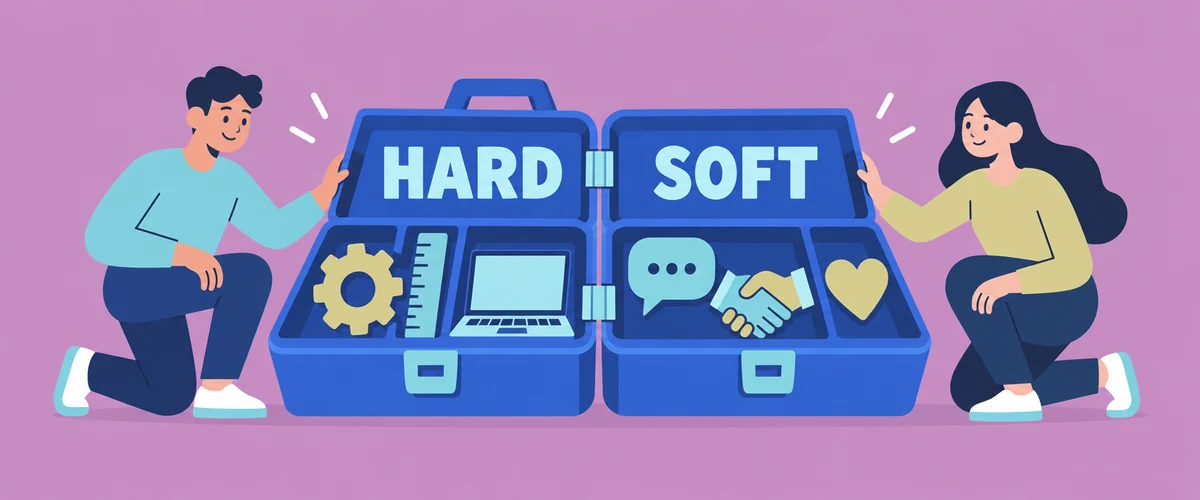
Hard skills are the technical abilities a particular job calls for, such as preparing a pay run, framing a wall or writing code.
Problem solving skills
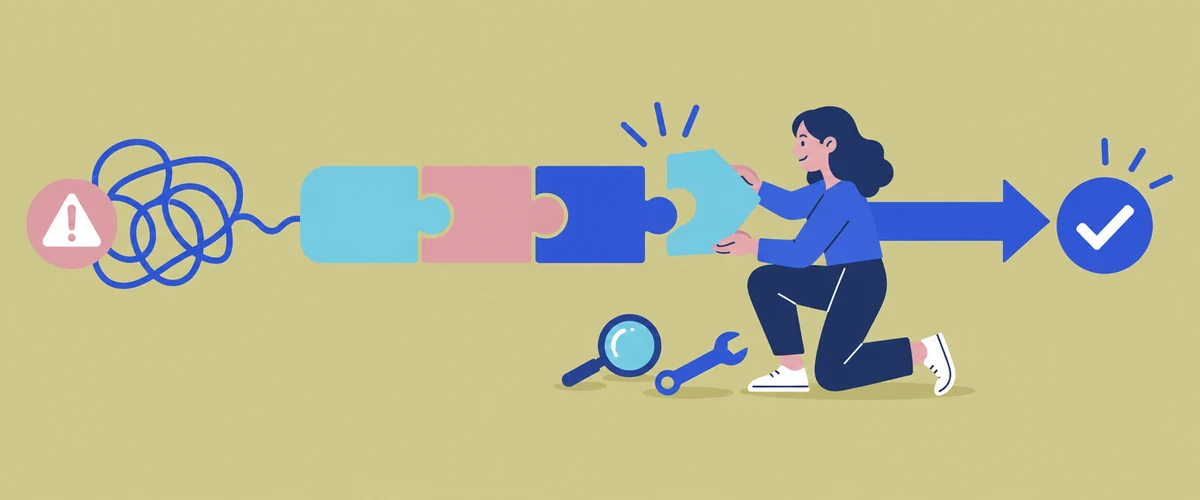
Problem solving skills are what let you notice that something at work isn't going to plan, work out why, choose a fix and check that it worked.